WhatsApp customer support with AI in 2026: what Meta now charges
Meta started charging for WhatsApp replies on 1 October 2026. How an AI agent connects to WhatsApp, what each message type costs now, and the rules to follow.
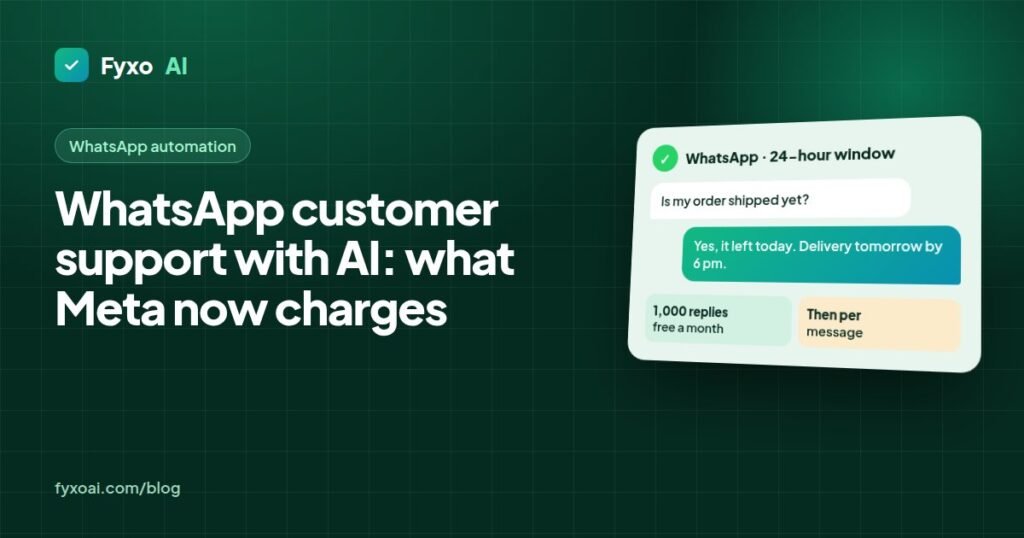
WhatsApp is where a lot of customers would rather ask a question than send an email, especially in the Gulf, India, Europe and Latin America. Putting an AI agent on it can answer most of those questions in seconds. Meta changed how it charges for business messages on 1 October 2026, though, so the cost works differently from a year ago.
This guide covers how an AI agent connects to WhatsApp, what Meta charges now, and the rules you need to follow.
How service messages are billed from 1 October 2026, for each business phone number.
Messages your customers send you
Always free.
First 1,000 service messages a month
For each business phone number.
From the 1,001st reply
Each delivered reply in that month is billed.
How an AI agent connects to WhatsApp
The WhatsApp Business app on your phone is built for one person replying by hand. An AI agent uses the WhatsApp Business Platform instead (often called the WhatsApp API). You connect a phone number to it through Meta directly or through a provider such as Twilio, and messages flow to software that can read and answer them.
In practice the setup looks like this:
- Verify your business in Meta Business Manager.
- Register a phone number that isn’t already used on the WhatsApp app, and choose the display name customers will see.
- Connect the number to the AI agent through Meta’s Cloud API or a provider.
- Load the agent with your website, policies and product information, and set the rules for what goes to a person.
- Get message templates approved by Meta for anything you send first, such as order updates or reminders.
Customers then message the number as usual. The agent replies from your own content, and anything it shouldn’t handle, like a complaint or a refund dispute, goes to your team with the full conversation.
The 24-hour window
WhatsApp’s pricing is built around one rule. When a customer messages you, a 24-hour customer service window opens, and you can reply freely in that window, by bot or by person. After 24 hours without a new message from the customer, you can only contact them with an approved template.
There’s one exception. If the customer starts the chat from a Click to WhatsApp ad on Facebook or Instagram, a 72-hour free entry point window opens instead.
What Meta charges from 1 October 2026
Until 30 September 2026, replies inside the 24-hour window were free. From 1 October 2026 Meta charges for them per delivered message. According to Meta’s developer documentation:
- Messages your customers send you stay free.
- Each business phone number gets 1,000 free service messages a month. From the 1,001st reply in a month, each delivered reply is charged. Unused free messages don’t carry over.
- Utility templates (order confirmations, delivery updates) sent inside the window, which had been free since July 2025, are now charged at the normal utility rate.
- Messages inside the 72-hour window that opens from a Click to WhatsApp ad stay free.
- Marketing templates and templates sent outside the window were already charged and still are.
- Eligible government and non-profit organisations keep free service messages beyond the monthly 1,000.
The price per message depends on the customer’s country code. Meta publishes the rates on its WhatsApp pricing page, and they change from time to time, so check the current rate card for the countries you serve.
What it means for your bill
Take a store that sends 3,000 replies a month from one number. The first 1,000 are free and the other 2,000 are charged at the local rate for each customer’s country. A store sending 800 replies a month pays nothing for replies. Templates such as delivery updates are charged either way.
Two things keep this under control. Answer fully in one message instead of three short ones, because each delivered message counts. And use Click to WhatsApp ads for campaigns where you expect long conversations, since those chats get 72 free hours.
When you compare AI support providers, ask whether Meta’s message fees are included in the price or billed to your own WhatsApp account. Both are common, and the difference shows up on busy months.
Rules to follow
- Only message people who contacted you first or agreed to receive messages from you. Meta can limit or block numbers that get reported as spam.
- Tell customers they’re talking to an AI assistant, and make it easy to reach a person.
- Keep sensitive topics away from automation: payment disputes, medical questions and legal complaints should go straight to your team.
- Don’t ask for card numbers, passwords or ID numbers in chat.
- Keep utility templates factual. Meta reviews every template, and one that promotes something can be classed as marketing and charged at the marketing rate.
Is WhatsApp worth automating?
If customers already message you on WhatsApp more than a few dozen times a day, yes. Many of those messages repeat the same questions, and an AI agent can answer them at any hour in the customer’s own language. The new message fees are small next to the cost of staffing replies around the clock. Plan for them in the budget, and give the agent clear rules for what it hands to your team.
